Jump to Reach the Sky Links Hub
Play link, group tips, and a map of every major wiki hub.
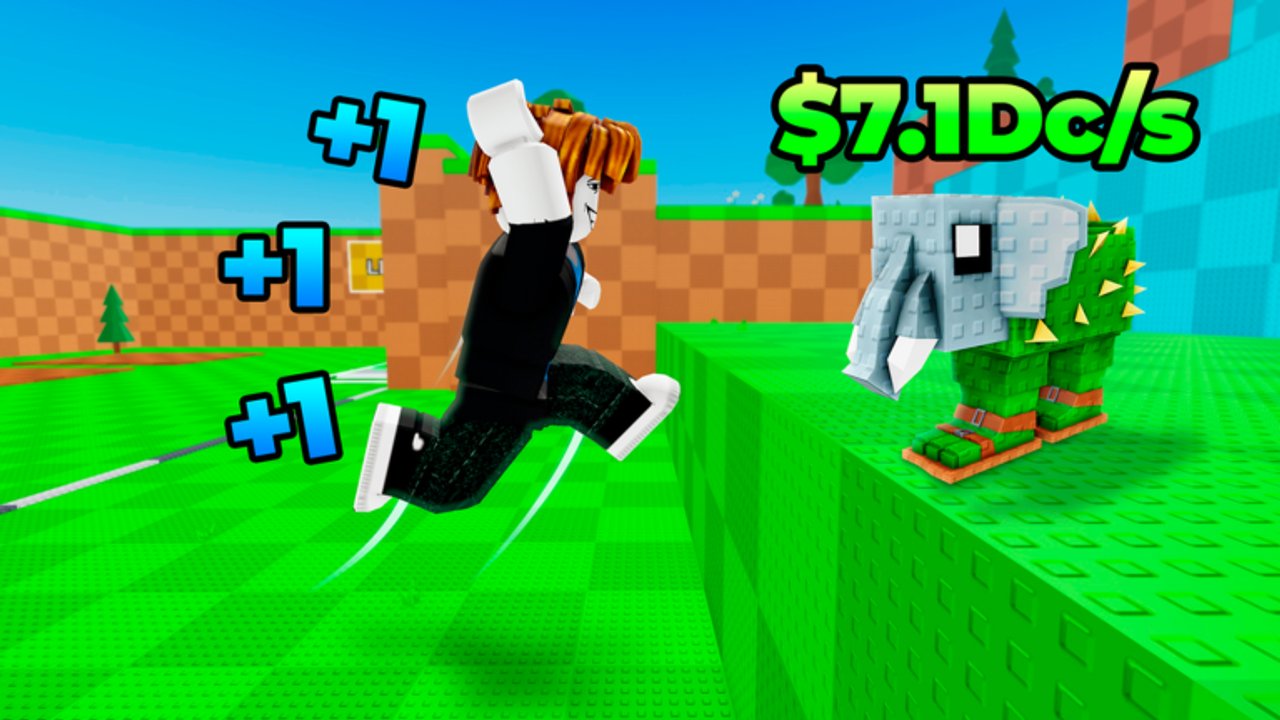
This Links Hub is the shortest path between reading and playing +1 Jump to Reach the Sky! by Reach The Sky! The experience is a Roblox incremental jump sim: every jump adds +1 Jump Power, Weights deepen training, rare Brainrots appear in high areas, offline income ticks while you are away, servers host up to six players, and promo codes redeem through the in-game ABX menu. Use the official play link below, favorite and like the page so it stays on your Roblox home radar, then use the wiki map to open the hub that matches your question.
This wiki is a fan resource. It is not an official Reach The Sky! studio site. For live economy changes, always verify inside the experience after updates.
Official play link
- Play +1 Jump to Reach the Sky! on Roblox — open the experience, jump in, and start stacking Jump Power.
Before you close Roblox: tap Favorite and Like on the experience page. Favorites make patch days and code waves easier to notice; likes help other climbers discover the right “+1 Jump” title among similarly named simulators.
Double-check the creator line shows Reach The Sky! so you are not redeeming codes in a different jump game with a similar thumbnail.
How to find the Reach The Sky! group on Roblox
Community groups are the usual home for announcements, icons, and social proof. Exact group URLs can move, so use this reliable search path instead of a brittle deep link:
- Open Roblox in browser or app.
- Use search for Reach The Sky! (creator name) or +1 Jump to Reach the Sky.
- Open the official experience page first via the play link above.
- From the experience page, follow the creator / group entry Roblox shows for that place.
- Join the group if you want feed updates; group join is optional for playing and for redeeming ABX codes unless a future promo explicitly requires it.
If multiple groups share similar names, prefer the one linked from the live experience page over random directory hits. Scam lookalikes recycle popular titles—never enter account credentials outside Roblox.
Why favorite, like, and follow matter for climbers
- Favorite — keeps the game in your quick list when you only have a micro session for codes + Weights.
- Like — strengthens discovery so six-player servers stay healthier with new climbers.
- Creator/group follow — surfaces update posts that may explain Brainrot or Weight retunes before wikis catch every detail.
None of these replace jumping, but they reduce the chance you miss a code wave listed on Codes.
Wiki hubs map
Use this map when you know the job but not the URL.
Progression and how-to
- Guides Hub — walkthroughs and mechanic deep dives.
- Getting Started — day-one order of operations.
- How to play — loop overview for new accounts.
- Weights and power — Jump Power and Weight training.
- Brainrots — high-area rares and why height gates matter.
Rankings
- Tier List Hub — early vs late climb philosophy.
- Early-game priority — codes, jump spam, Weights, breakthrough boosts.
- Brainrots tier — S/A/B/C style priority with honest drop-table caveats.
Players and habits
- Players Hub — community tips, leaderboard mindset, offline income planning.
- Controls — PC, mobile, tablet, ABX UI, accessibility, performance.
Codes, tools, updates, scripts
- Codes Hub — active strings, rewards, redeem steps via ABX.
- Tools Hub — boost timer mindset and practical checklists.
- Updates Hub — patch-oriented notes when published on the wiki.
- Scripts Hub — script-related pages for this experience (use at your own risk; prefer legitimate play).
Meta
- Wiki overview — short orientation to the whole site and game loop.
- Tier List Hub, Guides Hub, and Players Hub cover most daily searches; return here when you are lost.
Safe linking habits
- Prefer this wiki’s trailing-slash paths when sharing internally (example style:
/guides/getting-started/). - When posting the Roblox URL externally, use the official play link above—not redirected shorteners.
- Do not paste session cookies, password resets, or “free Robux” forms. No legitimate climb tool needs those.
- Cross-check code spelling against Codes before mass-pinging a Discord or group wall.
Suggested first-click paths
Brand new: Official play link → Favorite/Like → Getting Started → Codes → Controls.
Returning after a break: Updates → Codes → Tier List Hub → jump session with offline income banked into Weights.
Hunting rares: Brainrots → Brainrots tier → Weights and power → focused high-band session.
Teaching a friend: Send this Links Hub plus Players Hub so they get etiquette and session planning, not only a raw invite.
Closing
Bookmark the official Roblox experience, favorite it, confirm the Reach The Sky! creator path for group news, then pick a hub from the map. The sky is tall; the link list does not need to be.
Frequently Asked Questions
Quick answers for Jump to Reach the Sky players.
What is the official play link?
Use the Roblox experience page for +1 Jump to Reach the Sky! by Reach The Sky! linked at the top of this hub. Favorite and like it after joining so it stays easy to reopen.
How do I find the Reach The Sky! group?
Open the official experience page first, then follow the creator or group entry Roblox lists there. Searching the creator name works too—prefer links attached to the live place over random lookalikes.
Is this wiki official?
No. It is a fan-made guide hub for codes, tiers, controls, and climb tips. Always verify live game behavior after updates.
Which wiki page should I open first?
New players should start with Getting Started, Codes, and Controls. Returning players should check Updates, Codes, and the Tier List Hub before a climb session.