How to Redeem Jump to Reach the Sky Codes
ABX top-right, exact case, PC and mobile tips, and why codes fail.
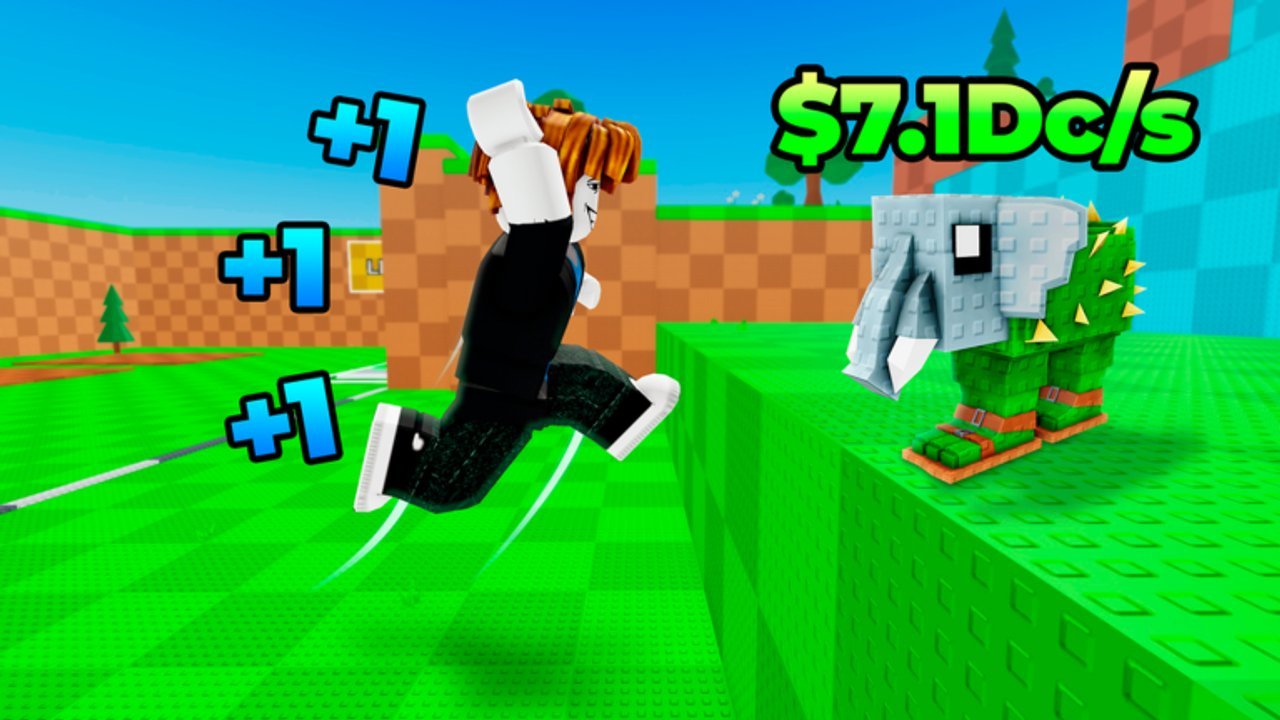
Promo codes in +1 Jump to Reach the Sky! are free timed boosts — usually around 30% Power or Money for 10 minutes — tied to likes milestones on the Roblox page. Redeeming them is simple once you know the ABX button lives in the top-right of the HUD, but small mistakes (wrong case, Autocorrect, already-claimed codes) cause most “it doesn’t work” reports. This guide walks through every step on PC and mobile/tablet, explains what success looks like, and lists concrete fixes when Redeem fails.
If you only need the live list, jump back to the Codes Hub. If you have not played yet, skim Getting Started so the HUD labels make sense.
Before you redeem
- Launch the correct experience: +1 Jump to Reach the Sky! by the Reach The Sky! group (released 2026-09-17).
- Finish any first-join tutorial prompts so the full HUD is visible.
- Have the code ready on a second screen or in your clipboard. Codes are case-sensitive (
1000LIKES, not1000likes). - Plan a short farm for after Redeem: Power codes pair with climbing and jumping; Money codes pair with buying or upgrading weights.
Servers support up to 6 players on PC, mobile, and tablet. You do not need a private server to redeem, but a quieter server makes it easier to confirm buffs and start training immediately.
Step-by-step on PC
- Join a server and wait until your character can move and jump.
- Move the mouse to the top-right corner of the screen. Look for the ABX control (code / rewards style button — not the Roblox menu).
- Click ABX once. A code entry panel should open with a text field and a Redeem action.
- Click into the text field. Paste the code if you can (
Ctrl+V). Typing is fine if you match uppercase letters exactly. - Click Redeem (or the equivalent confirm button on the panel).
- Wait for feedback: a success toast, a short animation, or an error string. Do not mash Redeem repeatedly.
- Close the panel and verify the buff — check any active-boost UI, then jump a few times or open the weight shop to see Money/Power effects.
- Repeat for each unused code from the Codes Hub table.
If ABX is missing, try fullscreen toggle, UI scale in Roblox settings, or rejoining. Obscured HUD elements are a common cause on ultrawide or scaled displays.
Step-by-step on mobile and tablet
- Open the Roblox app, search for +1 Jump to Reach the Sky!, and join.
- Prefer landscape orientation so the top-right HUD is not covered by system notches or the Roblox chrome.
- Tap the ABX button in the top-right.
- When the keyboard opens, paste from your clipboard. Mobile Autocorrect loves to lowercase
LIKESor insert spaces — that alone will fail a case-sensitive code. - Double-check the field: no leading/trailing spaces, exact milestone spelling (
750LIKES,500LIKES, and so on). - Tap Redeem and wait for confirmation.
- Dismiss the keyboard/panel, then jump or open shops to confirm the multiplier is live.
- Redeem remaining codes one at a time. Do not queue typos; clear the field between attempts.
On smaller phones, the ABX hitbox can sit under gesture bars. A slight drag or a quick rejoin often restores the button. Tablets usually match the PC layout more closely.
What each success looks like
Current November 2026 codes grant short 30% Power or 30% Money windows (about 10 minutes). After a good Redeem:
- Power: jumps feel stronger for the duration and you climb sky platforms faster while the timer runs.
- Money: shop prices effectively hurt less — buy or upgrade weights during the window so permanent Jump Power gains stay higher after the buff ends.
Remember the core loop: every jump permanently adds +1 Jump Power, weights make training stronger, you climb for better areas and rare Brainrots, and offline income continues while you are away. Codes do not replace that loop; they compress the early hours. Pair them with habits from Getting Started and the Guides Hub.
Why codes fail (and how to fix them)
Wrong capitalization or extra characters
1000likes, 1000 Likes, and 1000LIKES (trailing space) are different strings to a case-sensitive system. Fix: paste from the Codes Hub table, or retype in all caps with no spaces.
Already redeemed on this account
Most promo codes are one-time per account. A second Redeem often returns invalid/already used. Fix: move to the next code; do not keep retrying the same one.
Expired or retired milestone code
Likes-milestone events can end. A code that worked last week may be dead today. Fix: confirm the live table on the Codes Hub, remove dead strings from your notes, and watch the Updates Hub plus the Reach The Sky! group for replacements.
Wrong game or place
Only redeem inside the official +1 Jump to Reach the Sky! experience. Fan places and old copies will not accept these codes. Fix: open the official Roblox URL from this wiki or your favorites.
ABX button missing or unresponsive
UI scale, orientation, or a soft client glitch can hide ABX. Fix: rotate to landscape (mobile), reset Roblox UI scale, toggle fullscreen (PC), or leave and rejoin. After rejoin, wait for the full HUD before tapping.
Network hiccup mid-Redeem
If the panel freezes, wait a few seconds before retrying once. Spamming Redeem can look like multiple failures even when the first request succeeded. Fix: close the panel, check buffs, then reopen ABX only if nothing applied.
Keyboard covering Confirm on mobile
Sometimes Redeem sits behind the soft keyboard. Fix: dismiss the keyboard slightly or scroll the panel if it supports drag, then tap Redeem again.
Safety notes
- Nobody from “support” needs your password to redeem a code. Keep credentials private.
- Do not paste account cookies into random sites that claim to redeem for you.
- Scripts and executors are a separate risk topic — read the Scripts Hub if you are considering automation. Codes themselves never require an executor.
After you redeem — spend the window well
- Power codes: head straight into jump routes toward higher sky platforms while the 10-minute timer runs.
- Money codes: open the weight shop, upgrade what you can afford, then resume jumping so the new strength stacks with permanent +1 Jump Power gains.
- If you have both types unused, redeem Money first when you are cash-gated, or Power first when you are climb-gated.
- When the timer ends, keep the same habits — codes are accelerators, not a substitute for weights, Brainrot hunting, and offline income.
For rankings of what to chase next, see the Tier List Hub. For patch context on when milestone codes shipped, see the Updates Hub.
Related pages
- Live list and reward table: Codes Hub
- Beginner onboarding: Getting Started
- Strength and weight training: Weights and Power
- All tutorials: Guides Hub
- Automation caution: Scripts Hub
- Patch and milestone history: Updates Hub
Redeem carefully once, train hard during the buff, then return to the Codes Hub whenever likes milestones move again.
Frequently Asked Questions
Quick answers for Jump to Reach the Sky players.
Where is the code button in Jump to Reach the Sky?
Use the ABX button in the top-right of the in-game HUD. Open it, enter a case-sensitive code, then press Redeem. On phones, landscape mode makes ABX easier to tap.
Do I redeem codes differently on mobile vs PC?
The flow is the same (ABX → enter → Redeem). On mobile, paste codes to beat Autocorrect, use landscape, and make sure the keyboard is not covering Redeem.
Why does Redeem say invalid when I copied the code?
Check for wrong case, hidden spaces, an already-redeemed code, or an expired milestone string. Paste again from the Codes Hub table and try a different unused code.
Can I redeem the same code twice?
Usually no. Likes-milestone codes are typically one-time per account. After a successful Redeem, move on to the next code in the list.
Do codes require a script or executor?
No. Official codes only need the in-game ABX panel. Executors are unrelated and carry account risk — see the Scripts Hub if you are researching automation.